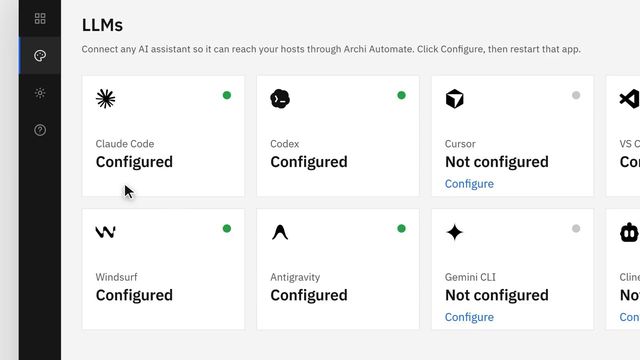
How to Connect Claude Code to Archicad (opens in a new tab)
A step-by-step setup that links Claude Code to Archicad, so an AI assistant can work on a live model from plain-language prompts.
Resource library
Curated video guides on linking AI assistants and design tools to Archicad, Revit, Rhino, SketchUp and Blender. Every video opens on YouTube.
The Model Context Protocol lets assistants like Claude work with a live model: query elements, change parameters and run checks from plain-language prompts.
Live links and data platforms such as Speckle, Rhino.Inside and the Archicad–Grasshopper Live Connection move geometry and BIM data between applications without manual exports.
Archicad 30 adds Graphisoft's own MCP server (beta) for Claude and other AI clients. Tapir, an open-source add-on, connects earlier versions, and the Live Connection links Archicad with Grasshopper.
A step-by-step setup that links Claude Code to Archicad, so an AI assistant can work on a live model from plain-language prompts.
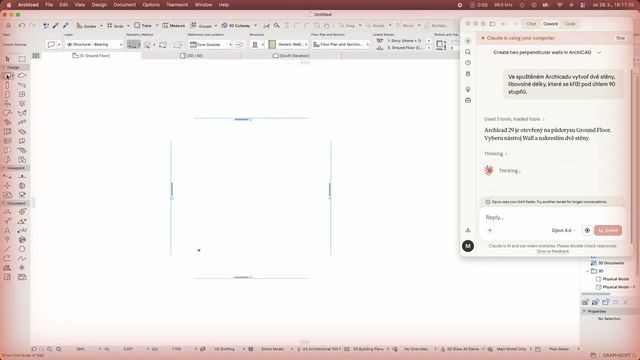
BIM consultant Martin Jan Rosa lets Claude operate Archicad directly through computer use, starting with a simple wall-modelling task.
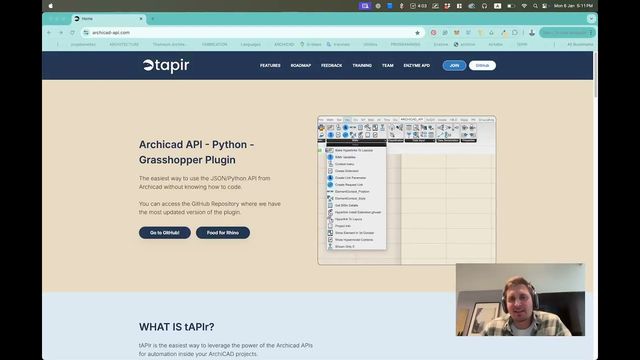
Install Tapir, the open-source add-on that opens Archicad to Python, Grasshopper and AI agents. Many Archicad MCP setups are built on it.

A recorded McNeel webinar with Gregor Doblinger (Delugan Meissl Associated Architects) on driving native Archicad elements from Grasshopper with the Live Connection.
From Graphisoft's own training series: a parametric tower defined in Grasshopper and generated as native BIM elements in Archicad.
Autodesk's Revit Public MCP Server is in tech preview for Revit 2027, with read-only access to the model. Community MCP servers add editing tools, and Rhino.Inside.Revit brings Grasshopper into Revit.
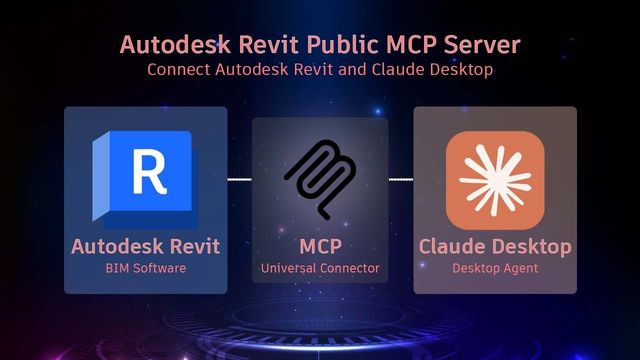
A first look at Autodesk's official Revit Public MCP Server, the tech preview that lets Claude query elements, open views and export schedules in Revit 2027.
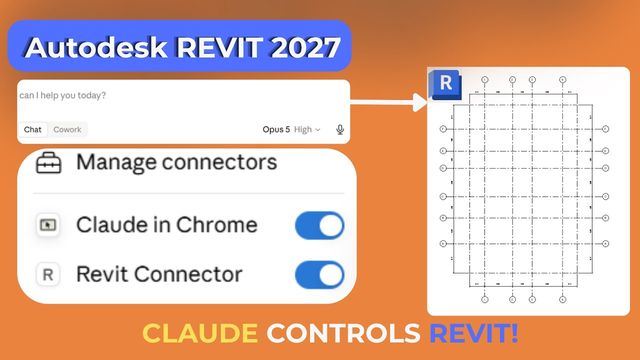
Enable a Revit connector in Claude Desktop, then put it to work on a live model with plain-language prompts.
A beginner-friendly, step-by-step walkthrough of installing and configuring a Revit MCP server for Claude.

Six short steps from a fresh install to Claude working with your Revit model.

An architect's candid test of Claude inside Revit, and what it could mean for everyday production work.
McNeel's official introduction to running Rhino and Grasshopper inside Revit to create and edit native Revit elements.
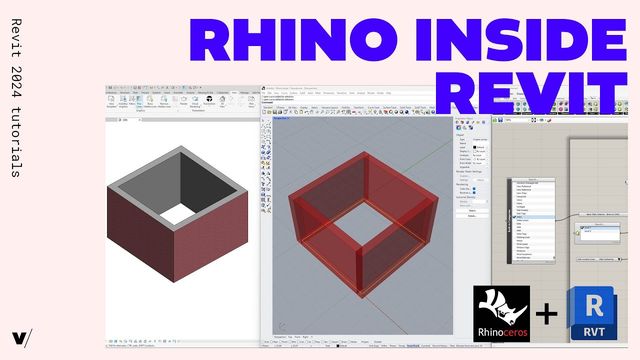
A practical getting-started guide to Rhino.Inside.Revit, turning Rhino geometry into native Revit elements.
Community MCP servers already connect Claude to Rhino and Grasshopper, and McNeel has started work on an official Rhino MCP server.
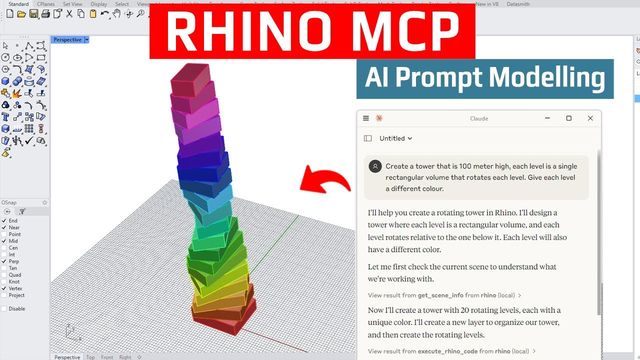
Connect Claude to Rhino and Grasshopper over MCP and generate geometry straight from prompts.

Claude builds agentic Grasshopper workflows through an MCP connection made with the Swiftlet plugin.
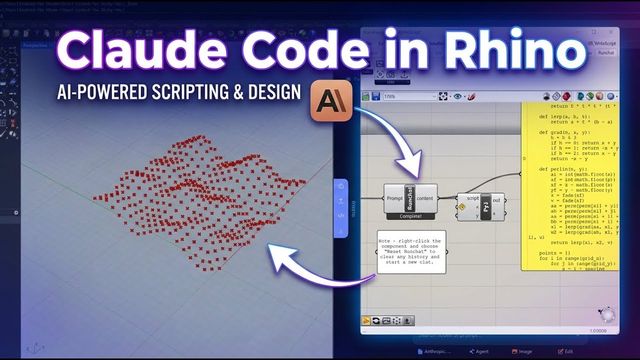
Runchat puts Claude Code to work inside Rhino and Grasshopper for AI-assisted scripting and design.
Trimble's SketchUp Connector for Claude generates models from text or image prompts. Community MCP servers drive the desktop app and its extensions.
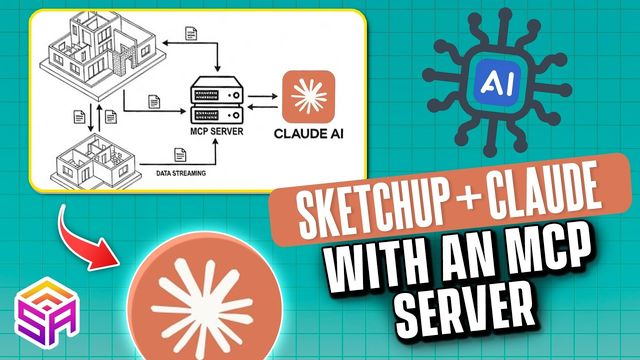
Build SketchUp models from natural-language prompts, with Claude connected to SketchUp through an MCP server.
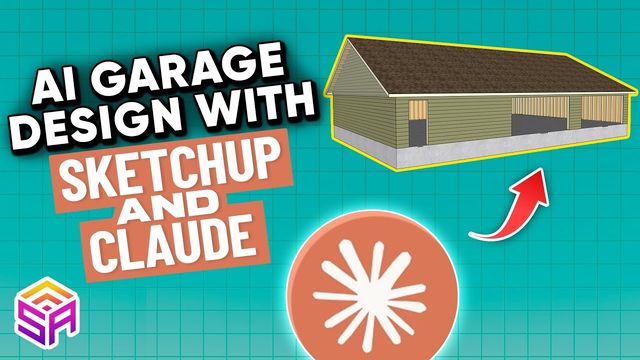
Claude designs a garage in SketchUp and drives the Medeek extensions to generate the structure.
BlenderMCP is a free, open-source add-on that lets Claude build and edit Blender scenes.
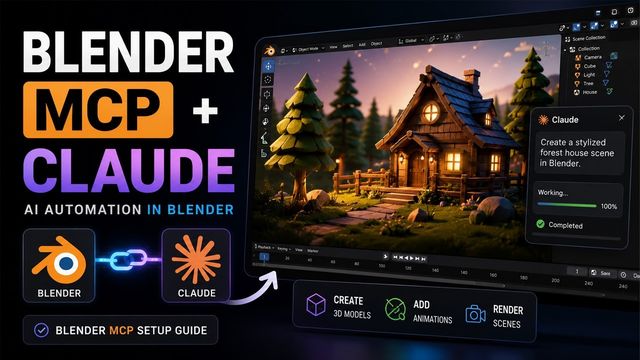
A complete 2026 setup guide for BlenderMCP, from installing the add-on to building scenes with Claude.
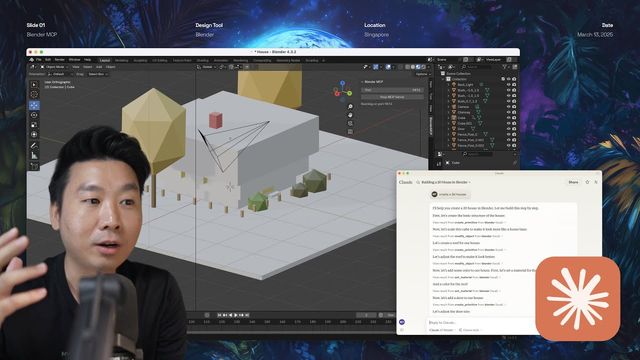
A 26-minute walkthrough of creating and refining 3D scenes in Blender with Claude through Blender MCP.
An open-source data platform with connectors for Revit, Archicad, Rhino, SketchUp, AutoCAD and more, so teams can share models without file exports.
Speckle's own introduction to its open-source platform for exchanging and versioning model data across design tools.

Send a Revit model to Rhino with the Speckle connectors in three minutes, with its BIM data intact.

Take an early Rhino concept into Revit as native elements, ready for documentation.
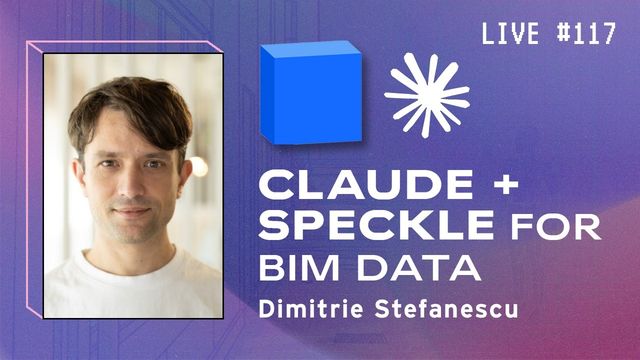
BIM Pure talks with Speckle co-founder Dimitrie Stefanescu about using Claude to query and work with BIM data in Speckle.
I can set up connectors like these for your practice and test them with you on a live project.
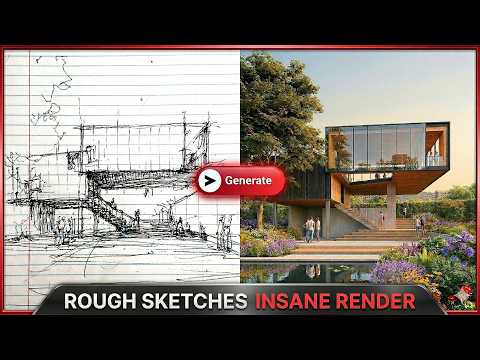
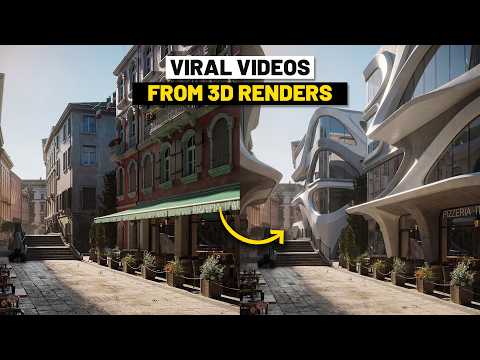
General videos and articles on AI in architectural practice.








bdcnetwork.com
In this series of articles, we will dive deeper into the specific AI tools we are using, shedding light on their practical uses and exploring...
sciencedirect.com
by HN Rafsanjani · 2023 · Cited by 101 — Historical Data and Design Inspiration: AI can analyze historical architectural designs, styles, and trends to provide inspiration and context for new projects.
co-architecture.com
AI is revolutionising the field of architecture by streamlining processes, enhancing design capabilities, and optimising construction.
archdaily.com
In 2022, a wider audience gained access to unexpectedly powerful AI tools, including Stable Diffusion, Midjourney, and DALL-E 2 for text-to-image generation.
linkedin.com
This article explores how artificial intelligence is transforming architectural design, construction, and urban development.
aiabaltimore.org
AI algorithms can analyze BIM data to detect design errors, improve project management, and optimize construction schedules. This results in...